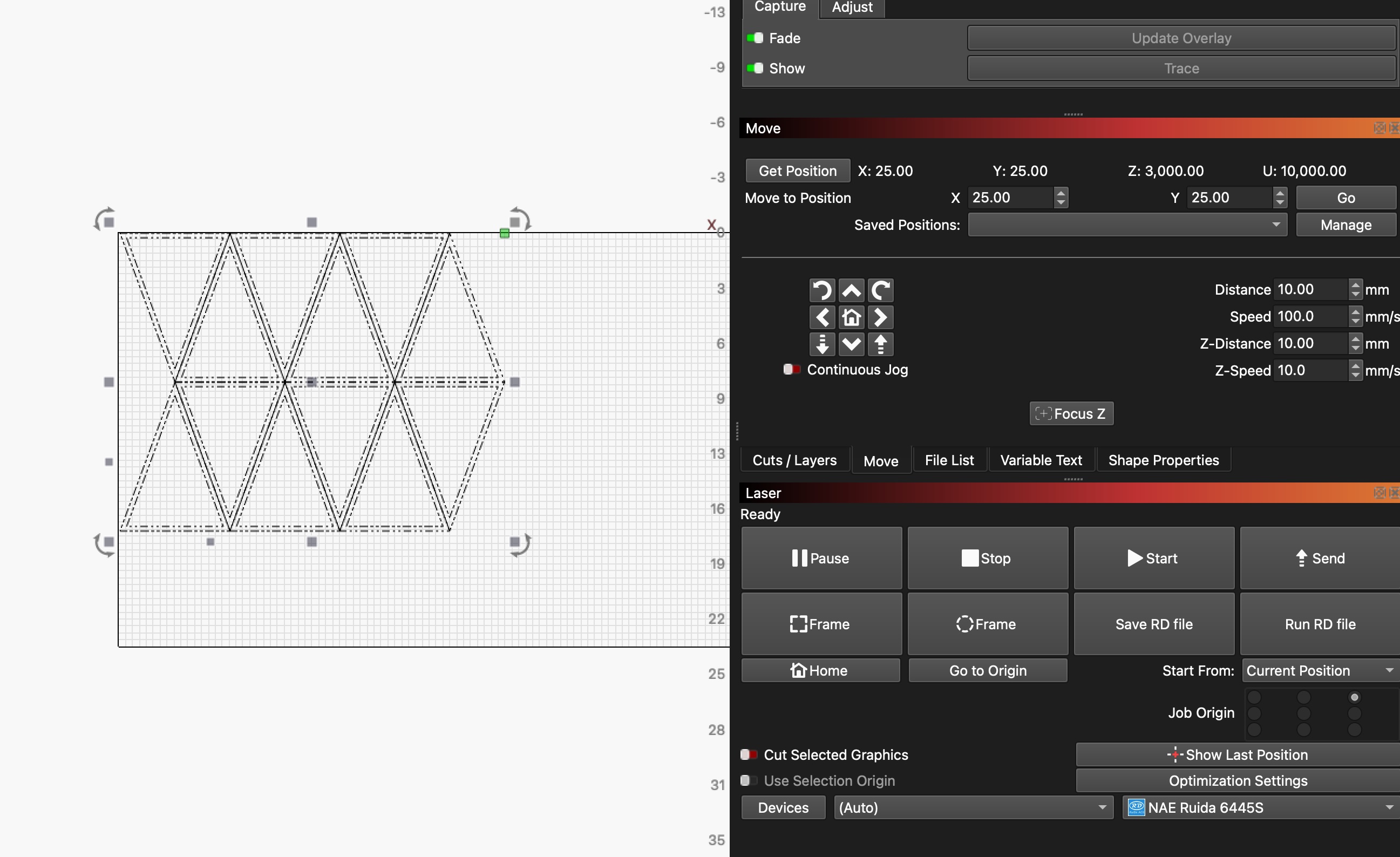
laser cutter log
in the shop with charlotte for octohedron -> hexahedron framing cut for mabon 3aw sculpture material ((muslin, scrim, gauze) x (plain, flour-dredged)) evaluation
we had a lot of issues with understanding the laser’s behavior:
- when initially trying to frame the cut, the frame would only extend for X and not Y - probably (though i can’t confirm) the size of the printed area exceeded the bed size, so it refused to frame?
- when manually jogging or attempting to navigate to “move to position” to a coordinate such as (300,300), the head would only move in x and not in y - once we were trying to go to origin or smth and the head tried to go off bed and made a bad noise and i hit the emergency stop :0
- we arbitrarily resized the piece so that it was about half size (6” instead of 12”), and it would frame correctly when we were at y = ~300, but not when y ~= 0 (job origin was either top left or top right, so it shouldn’t have been attempting to go up)
not really sure how we resolved this tbh… could have been that restart w/ the emergency stop (though i had restarted 2x already), but at some point the manual coordinate navigation began to work again.
watching the “move” tab and charting position helped us understand that the coordinate system actually made sense. the vevor charts coordinates such that 0,0 pixels is in the top right, so having the job origin be at the top right makes the most sense (if it’s not, it will still work, but you will be setting the origin as something like (900, 0)). 
we did a small power x speed then pass x power test which initially indicated 10% power and 4 passes would be sufficient, but this didn’t work in the actual cut. ended up using 70mm/s, 70% power, 4 passes for clear acrylic.